

Categories: Tips & Tricks · Preservation
A familiar photograph can be a gentle invitation to share a story, enjoy a moment together, or simply feel close to family. For people living with dementia or Alzheimer’s, looking at family pictures can offer a meaningful way to connect with caregivers and loved ones, without requiring anyone to remember every name, date, or detail.
Photo scanning can make those pictures easier to bring into everyday visits. Once printed photographs are digitized, families can share them on a tablet, phone, or screen, and caregivers can access selected images without needing to transport the original albums. The purpose isn’t to test memory or promise a health benefit. It’s to make familiar moments available for conversation, recognition, and connection.
Why familiar photographs can matter
Reminiscence activities use personal memories and meaningful prompts (such as photos, music, or familiar objects) to encourage conversation and engagement. The Alzheimer’s Association describes reminiscence and reminiscence therapy as ways to explore a person’s past and support interaction. The value of a photo-sharing moment may be as simple as enjoying a smile, a gesture, or a few words together.
A picture of a family home, favorite garden, wedding, or holiday may feel familiar even when names or dates are difficult to recall. A person might talk about the colors in a room, the clothes someone is wearing, or the feeling of being with family. And if no story comes, the image can still be enjoyed without pressure.
Reminiscence activities are not a replacement for medical care, and research findings on their effects are mixed. For families, a helpful expectation is that photos can create opportunities for pleasant, personal moments, not that they will restore memory or change the course of a condition. The Alzheimer’s Association’s overview offers additional background.
Digital photos make sharing easier
Original photographs are precious, and family albums often hold many of them in one place. Digitized copies make it possible to bring a small, thoughtfully chosen selection to a visit without carrying the album. They can also be shared with relatives who live elsewhere or with care staff who want to learn more about the person’s life and interests.
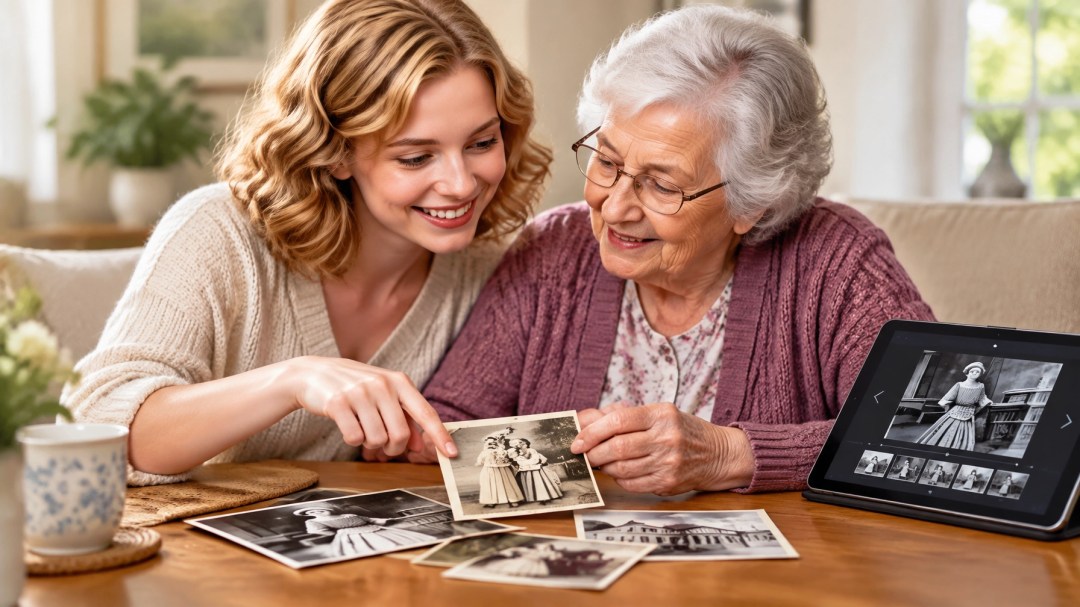
A tablet or screen can display one image at a time or a simple slideshow. A family member might bring up photos of a favorite pastime during a visit, while a caregiver can refer to images that help start a conversation. Relatives can also share context, who is pictured, where the photo was taken, or what the person enjoyed doing, so others can get to know more of their story.
The experience doesn’t need to be elaborate. A few familiar images and an unhurried visit may be more comfortable than a large presentation. Let the person guide the pace, and follow their interest. If a particular picture doesn’t feel right for the moment, it’s fine to move on.
Choose photos for connection, not as a quiz
Photos of meaningful people, places, activities, and life events can provide natural conversation starters. Consider images that reflect a person’s interests and experiences: a family gathering, a beloved pet, a familiar neighborhood, a hobby, or a favorite vacation spot. The best selection will be personal to them.
Questions can be open and easy to respond to. For example:
- “What do you notice in this picture?”
- “Tell me about this place.”
- “What do you remember enjoying about this?”
- “Would you like to look at another one?”
There is no need to ask, “Do you remember who this is?” or to correct a detail if the person recalls it differently. The aim is to share the moment, not check accuracy. A smile, a pause, or a change in expression may be part of the interaction, even if it doesn’t lead to a conversation.
Keep the person’s preferences at the center. Some photos may bring up difficult feelings, while others may be especially welcome. If an image seems uncomfortable, gently set it aside and choose a different topic. Caregivers and family members can share observations with one another, helping future visits feel more personal and considerate.
A digital collection can include helpful context
When families digitize photos, they can also gather information that makes the images easier to share. A brief note about a person, place, or occasion can help relatives and care staff understand what they are seeing. If a name or date is uncertain, it’s better to leave it out or label it as approximate rather than guess.
Organizing digital photos into simple groups (such as “family,” “holidays,” “home,” or “hobbies”) can make it easier to find a suitable image for a visit. Families may also keep a smaller selection ready on a device while retaining a broader archive for future sharing. It can be helpful to agree on who will have access to the files and how they will be shared, especially when photos are sensitive or private.

Professional photo scanning can help preserve the originals
For many families, the photographs they hope to share are tucked into albums, envelopes, or boxes. Professional photo scanning converts printed pictures into digital images that can be viewed and shared on common devices. Scan A Lot also handles slides and negatives, which can help bring more parts of a family collection into one accessible library.
Digitizing doesn’t mean giving up the originals. The prints and albums remain part of the family archive, while digital copies make it easier to share selected memories during visits or with relatives in different places. Digital files can be copied and stored in more than one place, giving families options for keeping and sharing their collection.
Some people start with a small group of especially meaningful pictures rather than scanning everything at once. Others prefer to digitize a larger collection and sort it over time. Either approach can make familiar images more available for visits and family conversations.
Finding help with digitization
If you’re searching online for “digitization near me” or “transfer to digital near me,” consider what will make the process comfortable for your family: how originals will be handled, what kind of digital files you’ll receive, and how you’d like to access and share them. A local conversation can help you explain what you have and what you want the finished collection to be useful for.
Scan A Lot serves families looking to make printed photographs and other older media easier to access. Learn more about local media digitization or explore the photo scanning service.

Preserving more than the picture
A family photo is more than a record of who was there. It can reflect a person’s relationships, interests, routines, and sense of home. When digitized images are easy to bring up on a screen, they can help families and caregivers share those pieces of a life story: one photograph at a time.
If familiar family photos could make visits easier or more meaningful for someone you care about, consider starting with the images that feel most personal. Scan A Lot can help you preserve printed photographs as digital files that are simple to share with family and care staff. Get in touch with Scan A Lot to discuss your photo scanning project and the memories you’d like to keep close.
#PhotoScanning #PhotoDigitization #Reminiscence #ReminiscenceTherapy #DementiaCare #AlzheimersCare #MemoryCare #FamilyPhotos #FamilyMemories #MemoryPreservation #PreserveMemories #DigitalPhotos #DigitalPhotoCollection #PhotoScanningService #DigitizationNearMe #TransferToDigitalNearMe #CaregiverSupport #FamilyCaregiving #MeaningfulVisits #PersonalHistory #FamilyLegacy #LifeStories #PhotoSharing #DigitalMemories #PhotoArchive #FamilyHistory #TipsAndTricks #Preservation #ScanALot #MediaConversion