

Categories: Tips & Tricks · Preservation
A season can be remembered in many ways: a close game, a favorite play, a team tradition, or the people who shared the field. For coaches, former players, athletic directors, and team families, old VHS recordings can hold all of those details, sometimes alongside the game film used to review technique and strategy.
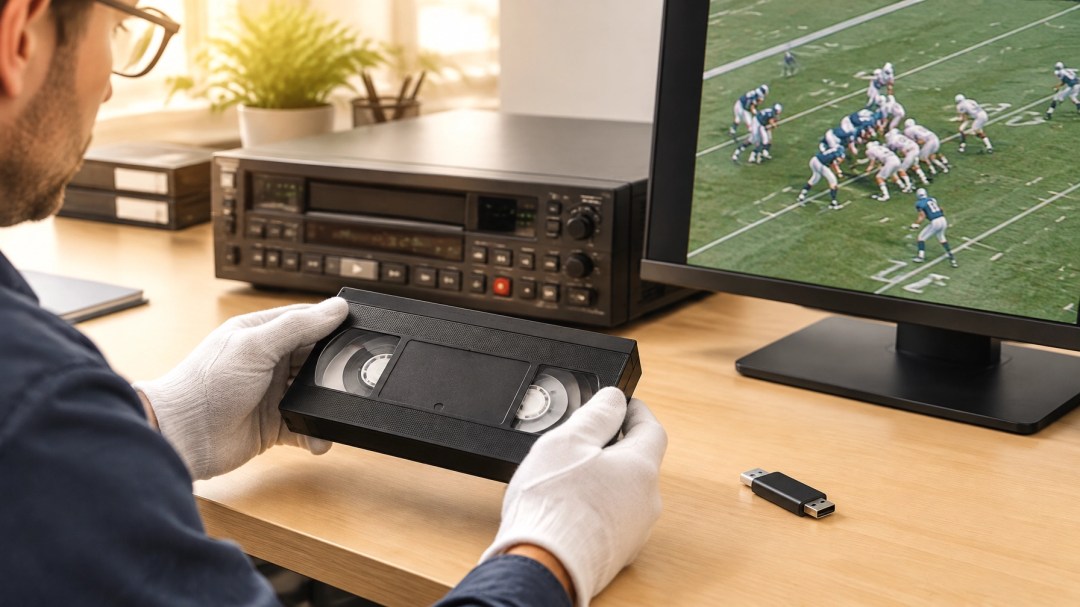
A VHS transfer to a flash drive gives those recordings a practical new way to be watched. Digital files are easier to replay, organize, and share with former teammates, while the original tapes can be handled less often. It’s a useful way to keep team history available for another season of coaching, conversation, and celebration.

More than a recording of the final score
Game film can show what a box score cannot: how a play developed, how teammates communicated, and how players responded in the moment. A coach may revisit a formation or technique. A former player may recognize a teammate’s movement or recall what was happening just outside the camera’s frame.
Team-season tapes can also capture the character of a program. They may include introductions, tournament weekends, practices, celebrations, or commentary from the sidelines. For high school teams, youth leagues, and recreation programs, this footage can become a record of the people and community behind the season.
When tapes are labeled only with a year or an opponent, their full story may not be obvious at first. Even a little context (such as sport, season, opponent, game date, or the names of people who appear) can help coaches and former players identify footage and make it easier to find later.
Why put game film on a flash drive?
A flash drive makes a digital copy straightforward to carry and play on many computers and compatible devices. That can be helpful when a coach wants to review footage with a team, an athletic department is gathering material for an anniversary, or former teammates are planning a reunion.
Digital files also make it easier to revisit particular games without searching through a stack of tapes or fast-forwarding to a moment. With a clear file name, a recording can be easier to recognize, for example, “1998_Football_Rivalry_Game” rather than “Tape 4.” If a group has many recordings, organizing them by sport, season, or team can make the collection more useful.
The U.S. National Archives distinguishes between a preservation copy, intended to retain a high-quality version of the recording, and an access copy, designed for convenient playback. It recommends asking about both when arranging a video transfer. For many teams, an easy-to-play file on a flash drive is a useful access copy; if long-term preservation is a priority, ask what additional file options are available.

A useful archive for coaches and former players
Once game film is available as a digital file, it can serve different purposes for different people:
- Coaching review: Revisit technique, positioning, and play development as a group or during individual review.
- Season retrospectives: Bring together key games and moments for an end-of-season gathering or team anniversary.
- Alumni connections: Share selected footage with former teammates who may now live far from one another.
- Program history: Help athletic departments and community leagues document past teams, coaches, and milestones.
- Family keepsakes: Let players and their families enjoy the season again without needing a working VCR.
Different audiences may want different kinds of access. A coach might be interested in a full recording, while a reunion group may only need selected highlights. If footage includes students, other identifiable people, broadcast material, or copyrighted music, it’s sensible to check permissions before posting or widely distributing it. A private copy for team review and a public online upload are not necessarily the same use.
Keep the viewing experience in perspective
A digital transfer preserves what is present on the tape; it doesn’t recreate detail that was never recorded. VHS is standard-definition video, and the finished file may retain the softness, color, and motion characteristics of the original. That’s part of the recording’s history. The aim is to make the existing footage easier to access and enjoy, not to make it look like modern high-definition sports coverage.
Audio matters, too. Sideline conversations, a coach’s instruction, crowd reactions, and teammates calling out plays can add context to a game. The condition of each tape and the quality of its original recording affect what can be captured, so results can vary from tape to tape.
Professional video digitization uses dedicated playback and capture equipment, and careful handling helps protect the recording during the process. The National Archives notes that video copying can require specialized equipment and that a questionable playback machine may put a recording at risk. If you have a large collection, especially important tapes, or recordings that may be fragile, it can be helpful to discuss the project with an experienced transfer provider.
A flash drive is convenient; a backup adds peace of mind
A flash drive is a handy way to carry and share viewing copies, but it’s best not to make one small device the only home for important footage. Drives can be misplaced or stop working, and digital storage needs occasional attention. Consider keeping another copy in a separate location, such as a computer, external drive, or trusted cloud storage account. Check that the files still open when you revisit them.
It’s also worth keeping original tapes after digitization when practical. They can retain value as physical team artifacts, and the digital copy makes it possible to watch the footage without relying on the cassette for every viewing.
For a team collection, the best starting point may be a short inventory: how many tapes there are, which seasons or sports they cover, and which games people most want to see. That context helps identify priorities and gives the resulting files names that make sense to the people who will use them.
Give team tapes a second season
Old coaching game film and team highlights can be useful in more than one way. They may inform a future practice, bring former teammates back together, or help a program share its history with new players. Converting VHS to digital files on a flash drive makes those recordings easier to watch and pass along, while thoughtful backups help keep them accessible over time.
Scan A Lot, LLC converts VHS, Betamax, and other video tapes into digital files. To learn more about video tape conversion or to discuss your team’s recordings, contact Scan A Lot or visit scanalot.photos.
Further reading: National Archives guidance on video playback and digitization · Canadian Conservation Institute: The Digitization of VHS Videotapes
#VHSTransfer #VHSToDigital #VideoTapeConversion #FlashDrive #GameFilm #SportsGameFilm #CoachingFilm #TeamHistory #SportsHistory #TeamTapes #TeamHighlights #HighSchoolSports #YouthSports #RecreationLeague #AthleticDepartment #Coaches #FormerPlayers #SportsAlumni #TeamAlumni #SeasonHighlights #GameFootage #SportsMemories #PreserveTeamHistory #MediaPreservation #VideoPreservation #DigitalPreservation #AnalogToDigital #DigitizeVHS #VHSConversion #SportsArchive #TeamArchive #SportsCommunity #TeamLegacy #ScanALot #TipsAndTricks #Preservation